
You can import a list of campaigns to the system along with their colorways and roles. To do so, follow these steps:
- Click the Import button, the following window appears:
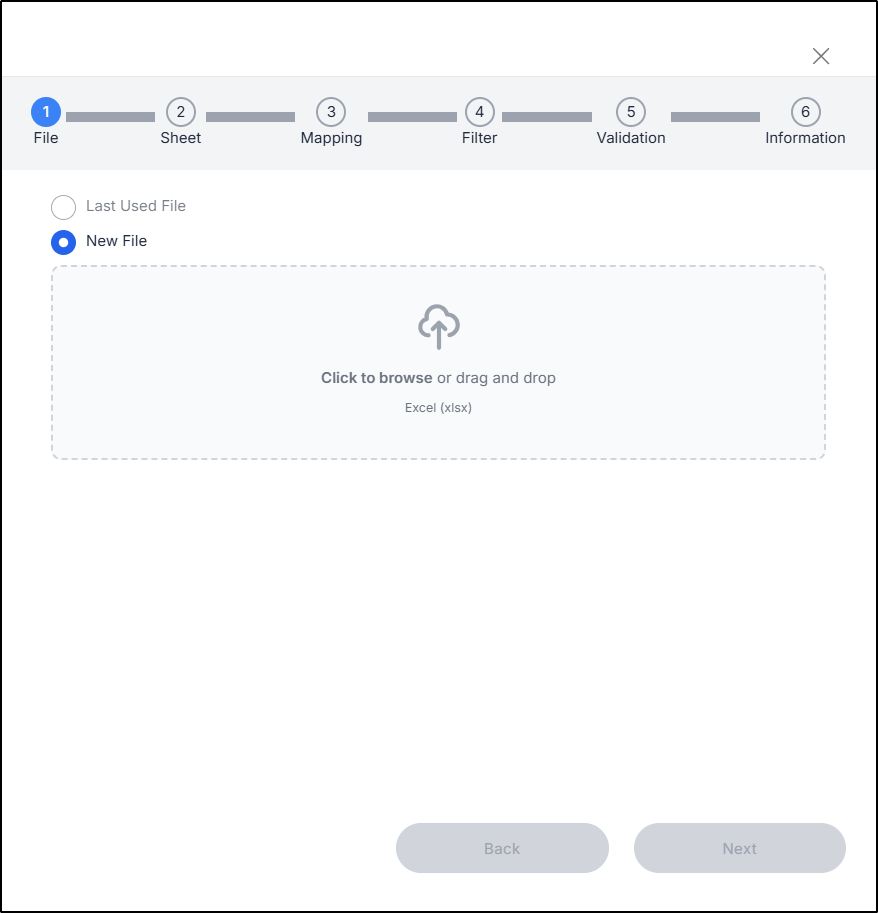
- Drag and drop the file or click Select File to browse for the file you want to import, then click Next, the following window appears:
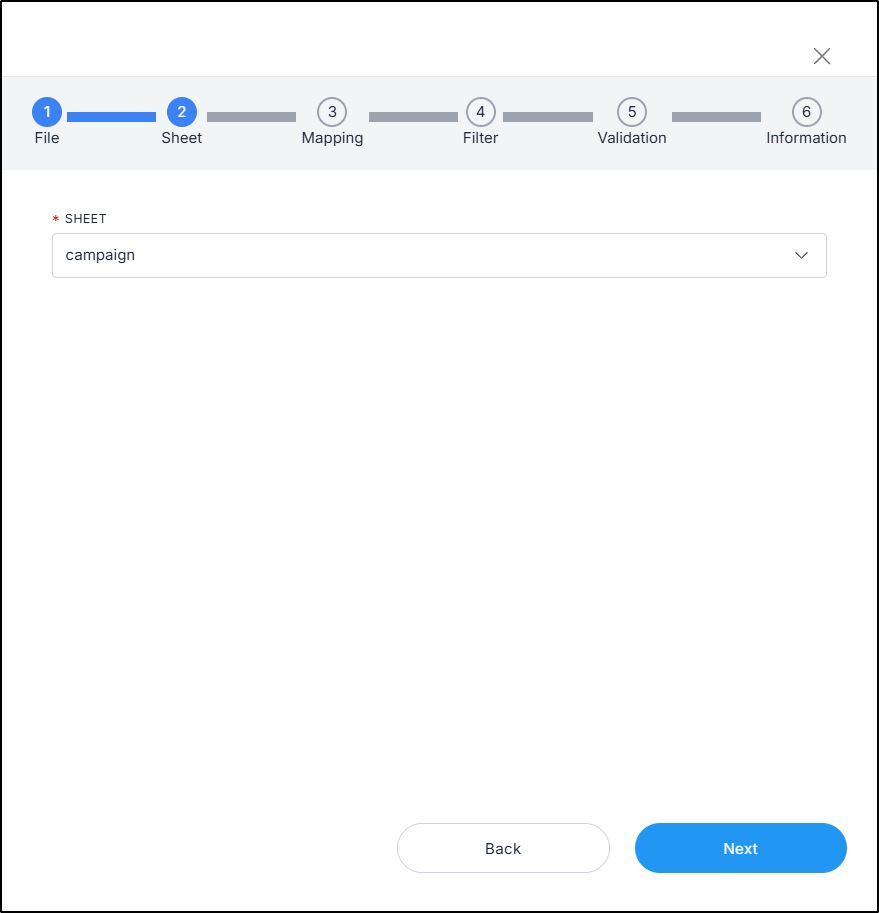
- Select the sheet you want from the dropdown list then click Next, the following window appears:
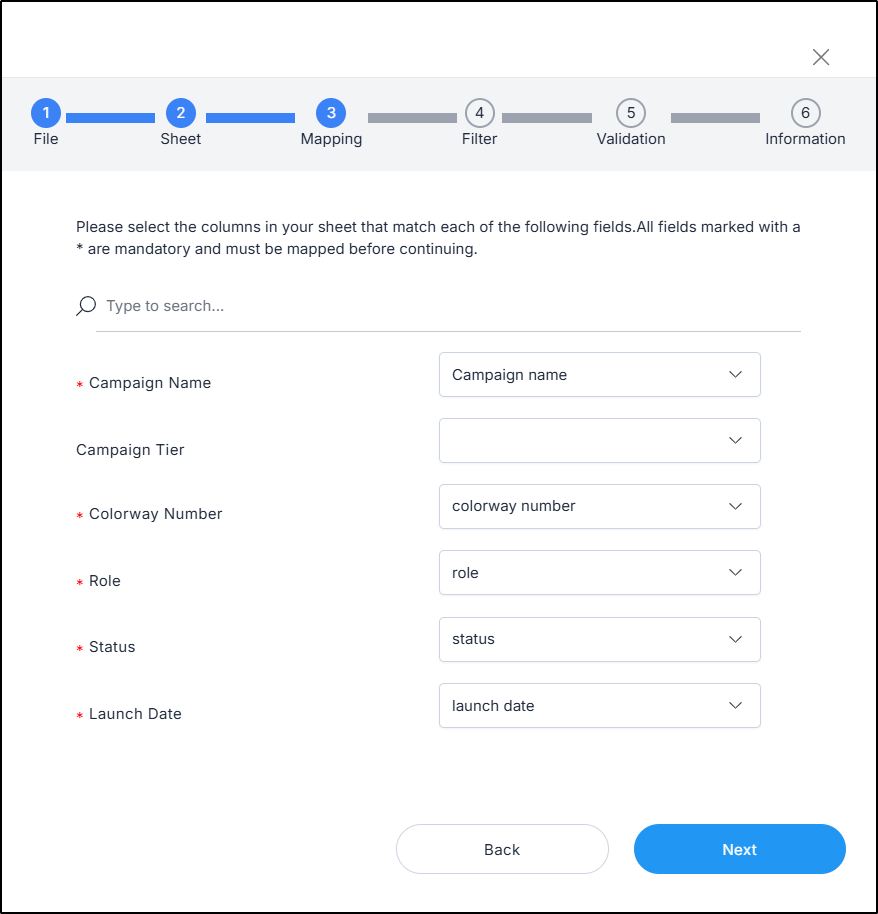
- Select the column of the sheet that matches each field,
- Click Next, the following window appears:
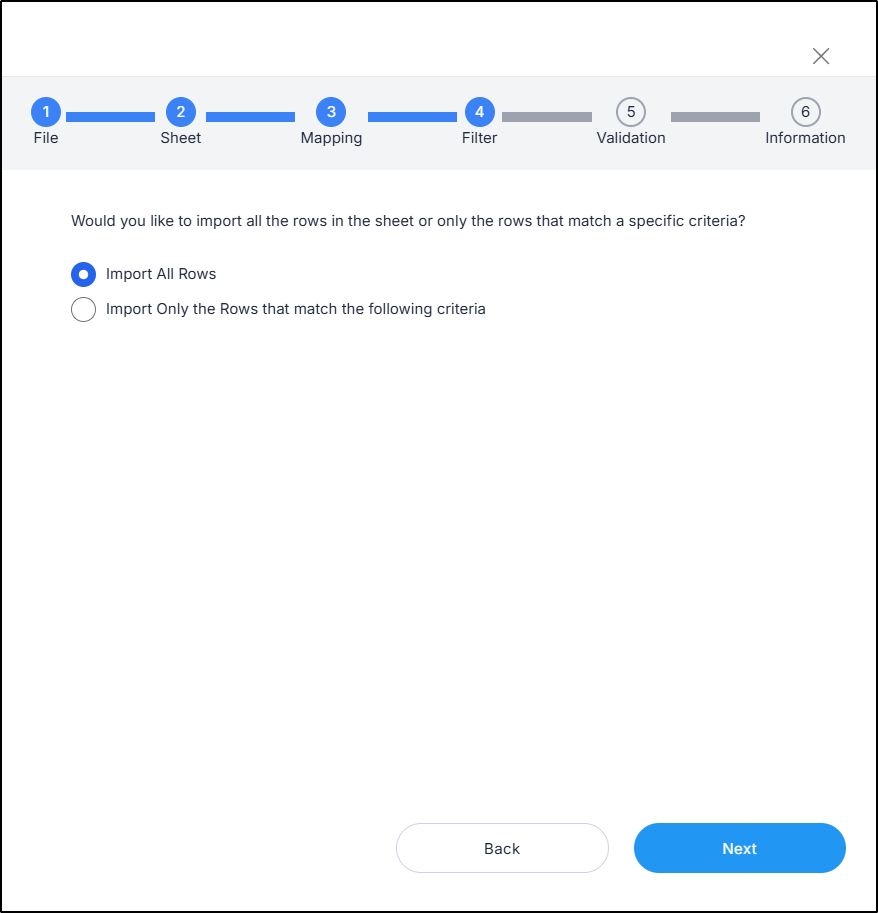
- Click the radio button next to the import method, either all rows or rows that match certain criteria, a validation window appears informing you if records are valid or not, if not, you need to fix the sheet then import the file again,
- Click Next, the number of valid and invalid rows are displayed as shown below:
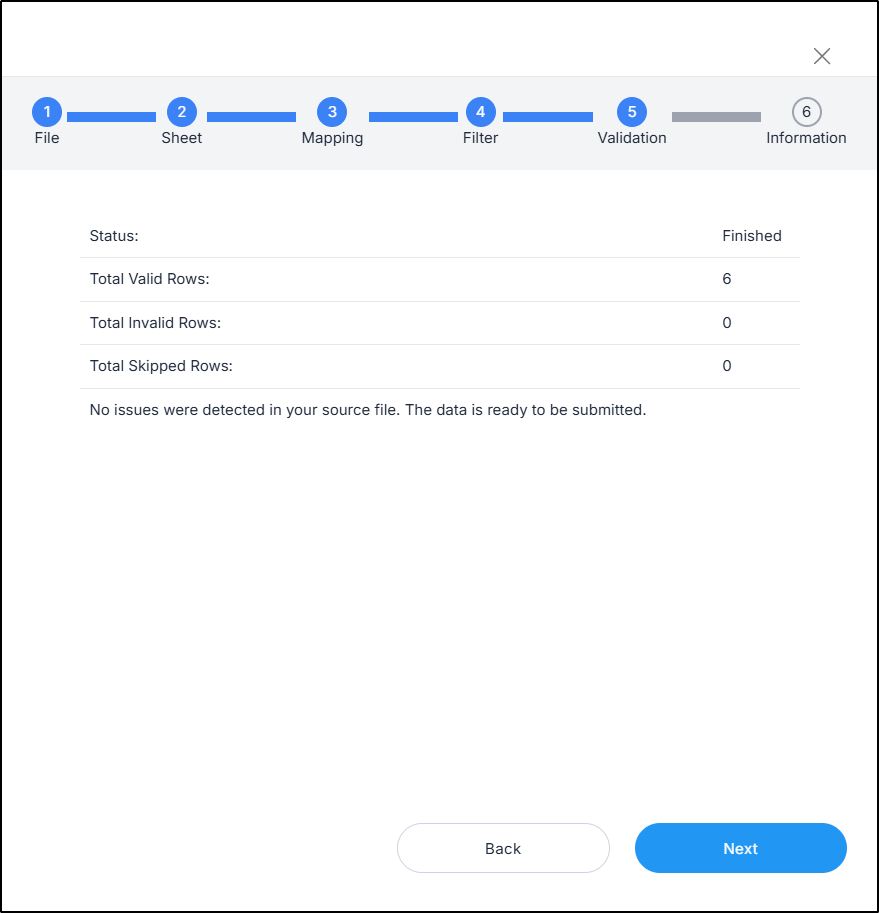
- Click Next, a message appears informing you that records are ready to be imported,
- Click Submit, you can check the progress through the Notifications module. You can refresh the window to show the imported campaigns.